Passwords are easy to reuse, forget, or expose in a phishing attack. Passkeys offer another way to sign in: instead of typing a shared secret, you approve a sign-in using a credential stored on a device or protected by a password manager. The exact experience varies by service and device, but the goal is to make fake sign-in pages less effective.
What is a passkey?
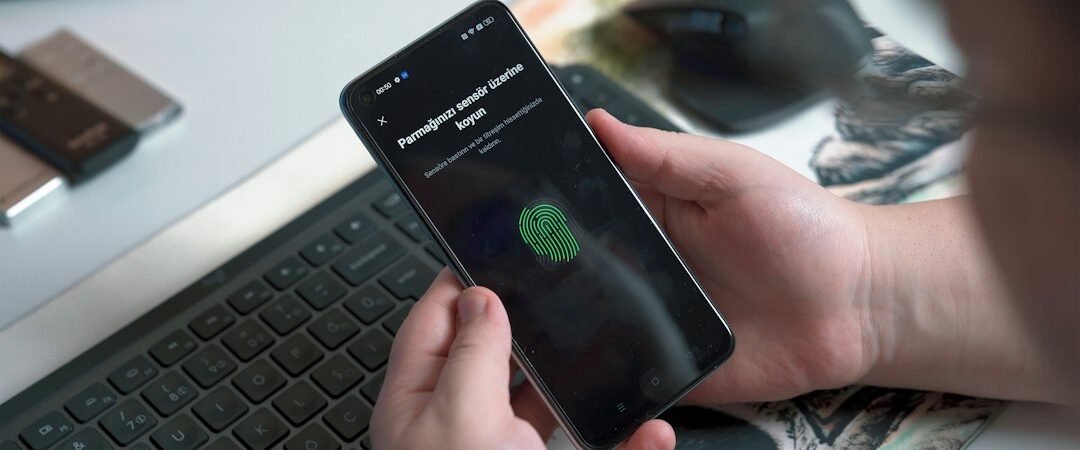
A passkey uses public-key cryptography. Your device or password manager keeps a private credential, while the service stores a matching public key. During sign-in, the service checks a cryptographic response rather than asking you to send a reusable password. A screen lock, PIN, or biometric check may be used to authorize the credential locally.
Why consider passkeys?
- Phishing resistance: passkeys are tied to the legitimate website or app, which can make them harder to use on an impostor page.
- Less password reuse: you do not need to invent and remember a unique password for every supported account.
- Convenient sign-in: many services let you approve access with a device unlock.
Passkeys do not eliminate every risk. A compromised device, weak account recovery, or a scam that persuades you to approve an unexpected request can still cause trouble.
How to switch safely
- Start with your primary email account and financial or shopping accounts that support passkeys.
- Use the official app or type the service’s address yourself; do not follow a passkey setup link from an unsolicited message.
- Check whether passkeys sync through your chosen ecosystem or password manager and understand how you would recover access if your phone were lost.
- Keep recovery codes in a secure place and update your account recovery email and phone number.
- Protect your devices with current software, a strong screen lock, and a way to locate or remotely lock a lost device.
What if a website does not support passkeys?
Use a unique, long password stored in a reputable password manager, and turn on multifactor authentication—preferably an authenticator app or security key when available. Never share a one-time code with someone who calls or messages unexpectedly.
For a broader account clean-up, read our digital privacy audit checklist and cybersecurity basics guide.
Further reading
See the FIDO Alliance passkeys overview for background on the technology. The best setup is the one you can recover securely and use consistently.