
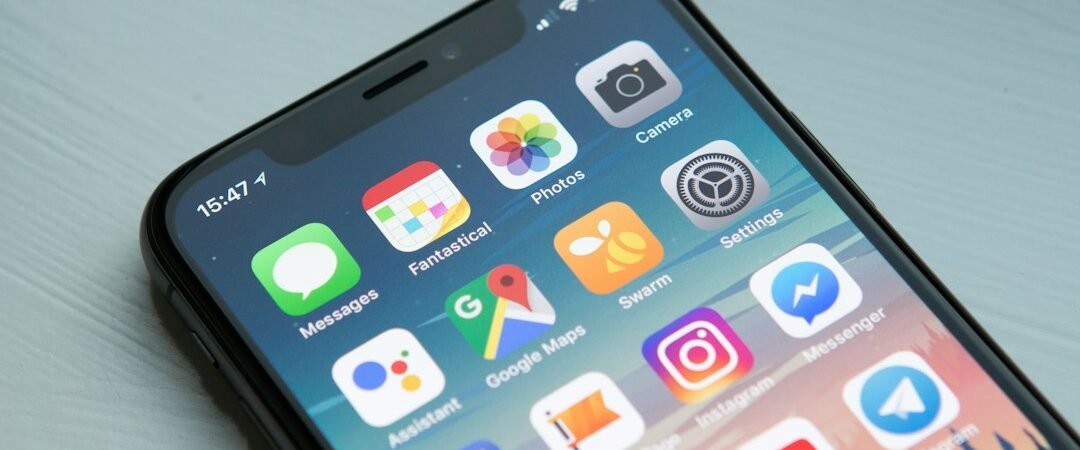
A digital declutter is not about deleting every app. It is about reducing interruptions, removing things you no longer use, and making important information easier to find. A short review can also uncover apps with unnecessary access to personal data.
Minutes 0–10: Silence notifications
Keep alerts for important calls, security notices, calendars, and essential work. Disable promotional alerts and repetitive social updates. Use Focus, Do Not Disturb, or scheduled quiet hours where supported.
Minutes 10–20: Remove unused apps
Delete apps you no longer need, especially unfamiliar tools you do not remember installing. Back up important files first. Uninstalling an app does not always cancel a subscription, so check billing separately.
Minutes 20–30: Review permissions
Check which apps can access location, microphone, camera, contacts, photos, Bluetooth, and local network. Remove permissions not needed for the app’s core purpose and prefer one-time or while-in-use access when available.
Minutes 30–40: Secure accounts
Review email, banking, cloud storage, and social accounts. Use unique passwords or passkeys, enable multifactor authentication, and remove old devices or sessions. Email deserves special attention because it often resets other accounts. If you see a suspicious login, visit the service through its official app or typed address. Our account security guide explains more.
Minutes 40–50: Organize files
Create a few folders for active documents, receipts, personal records, and projects. Remove obvious duplicates and back up important files. Check who can access shared folders and links.
Minutes 50–60: Check backups and subscriptions
Confirm photos, contacts, and essential documents are backed up. Review app-store subscriptions, cancel through the legitimate provider, save confirmation, and set reminders before free trials renew.
Use a weekly five-minute reset for notifications and downloads, then do a deeper review monthly or quarterly. For mobile security advice, consult CISA’s Secure Our World resources. If you find suspicious messages, see our online scam warning signs guide.
Featured image credit: William Hook via Unsplash.